July 31, 2026
Lying Dashboards and Other Reasons to Build a CLI
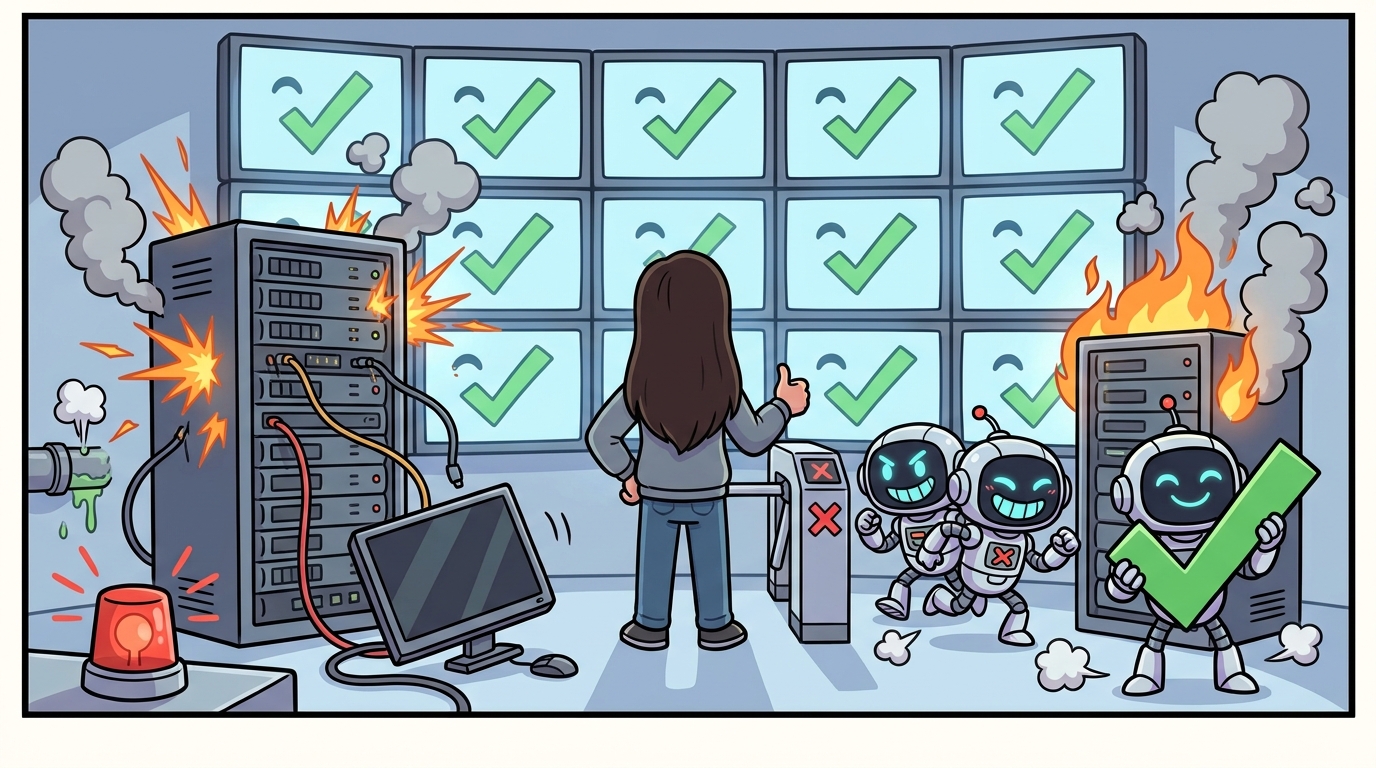
I have a status dashboard for all my pipelines that I run at home. For weeks it showed me green, you know as in everything's all good. Turns out one of my scanners had been dead the entire time, and two more rows were quietly watching log files that nothing had written since April.
A dashboard doesn't have to lie to mislead you. Can't be technically lying if it isn't even getting checked. So that's fun.
the setup got big enough to need a bouncer
My personal AI setup is big. There are 179 scripts in my AI brain repo. Hundreds of markdown files of notes and memory. A knowledge graph that gets fed every night by a local model chewing through my transcripts. A search index, a half a dozen agents, and scheduled jobs that all need access to the same stuff.
This level of sprawl and the fact that not everything can "ask my brain a question" is what led me to build a CLI. Building your own is not only a great hands-on education in agentic experience (AX) but it also helps to handle the sprawl.
My first instinct was more monitoring. More checks, more charts. Wrong direction. What I actually needed was a consumer that can't ignore the answer. A webpage can't stop me from doing anything. A command that fails loudly can:
brain-cli status && ./deploy.sh
(In case shell isn't your first language, && means "only run the next thing if the first thing succeeded." And status only succeeds when everything it checks is actually healthy. So a dead pipeline now blocks the deploy, instead of glowing green on a dashboard.)
The first run moved my monitoring board from twenty greens and eleven shrugs to thirty-one green, one yellow, one red. The yellow was a scanner that a website had been silently blocking, a job I thought was fine. The red was a grocery sync failing outright. So those are finally visible, and it only took building an entirely new tool to notice. Being agentic is fun!
The CLI does three things. recall asks my setup a question and pulls the best answers from my notes, my meeting transcripts, and the graph. status tells me whether everything is healthy and it reports how old its own information is. commands prints the full command tree in a form a program can read, and it's generated from the same code that parses the arguments, so the docs physically cannot drift from what the tool does.
It's read-only, plain Python, nothing to install.
designing for my most literal-minded user
A while back I audited a production CLI at work for how well an AI agent could drive it, and the gaps were everywhere. Flags documented as "(if supported)" with no way to find out which commands actually support them. No stated promise about what exit codes mean. Answering one question meant hopping across three documents. A human copes with all of that by squinting and guessing. An agent just burns tokens.
I took what I learned from the audit at work and turned it into a script that grades my own CLI. Twenty-three automated checks. My definition of done was passing my own rubric.
The tool notices who's reading. A human at a terminal gets a tidy table and a program gets JSON, and since agents always capture output rather than watch a screen, they always get the structured version without asking. Exit codes have fixed meanings, 0 for healthy, 1 for needs-attention, 2 for you-typed-it-wrong, 3 for a backend being down. And every error has to tell you what to do next, not just what went wrong. That last one isn't a style preference; the code refuses to produce an error without a next step attached:
{"ok": false, "error": {"message": "could not read a snapshot from the mini",
                        "hint": "check tailscale/ssh to the Mini, or run with --live"}}
My CLI initially committed many of the same issues the audit had surfaced. For example, the recall docs advertised searching my memory files, and it turns out that channel was silently never wired up, meaning an agent would have searched, found nothing, and concluded a fact wasn't recorded when it absolutely was. This is why building your own tools helps you build product muscles.
This is about defining and designing good tools. It's not just for agents though. Humans also want honest help text, predictable failures, and errors that say what to do next.
what i'd tell product people about agent experience
If you want to learn this on your own setup, the shape is small. Pick the two or three questions you actually ask your setup, not the twenty you can imagine asking. Find where the truth already lives and point at it instead of building new storage. Decide what output looks like for a human and an agent, what the exit codes mean, and what an error owes the person reading it. Write the script that grades those promises or use AI to help you write the scripts. Then build the thinnest thing that passes.
The checklist to consider:
Exit codes are a contract, not a suggestion. 0 means healthy, 1 means needs attention, 2 means you typed it wrong, 3 means a backend is down. If your tool can't promise that, an agent can't reason about what happened.
Errors should carry instructions. "Something went wrong" is a dead end for a human and an agent. If your error doesn't tell you what to do next, you haven't finished writing the error.
Docs that can't drift. The commands output is generated from the argument parser itself. If I add a flag, the docs update automatically. If I forget to document something, it's still discoverable. An agent doesn't have to trust your README; it can interrogate the tool directly.
Know your consumer. A human at a terminal gets a table. A program gets JSON. The tool figures out which is which and serves the right one. No flags to remember, no "oh right, I need to add --json for the agent." The default should be the right thing for whoever's asking.
Start read-only. There is no flag that can be destructive. You want to make sure it all works before giving access to write actions.
I still haven't fixed the grocery sync that's blinking red, but at least it's not lying to me about it anymore.
LIKED THIS?
I write about AI in plain English every other Sunday. No hype, no jargon — just the stuff that actually helps.
I'M IN →